
 Sign In
Filmmakers and storytellers
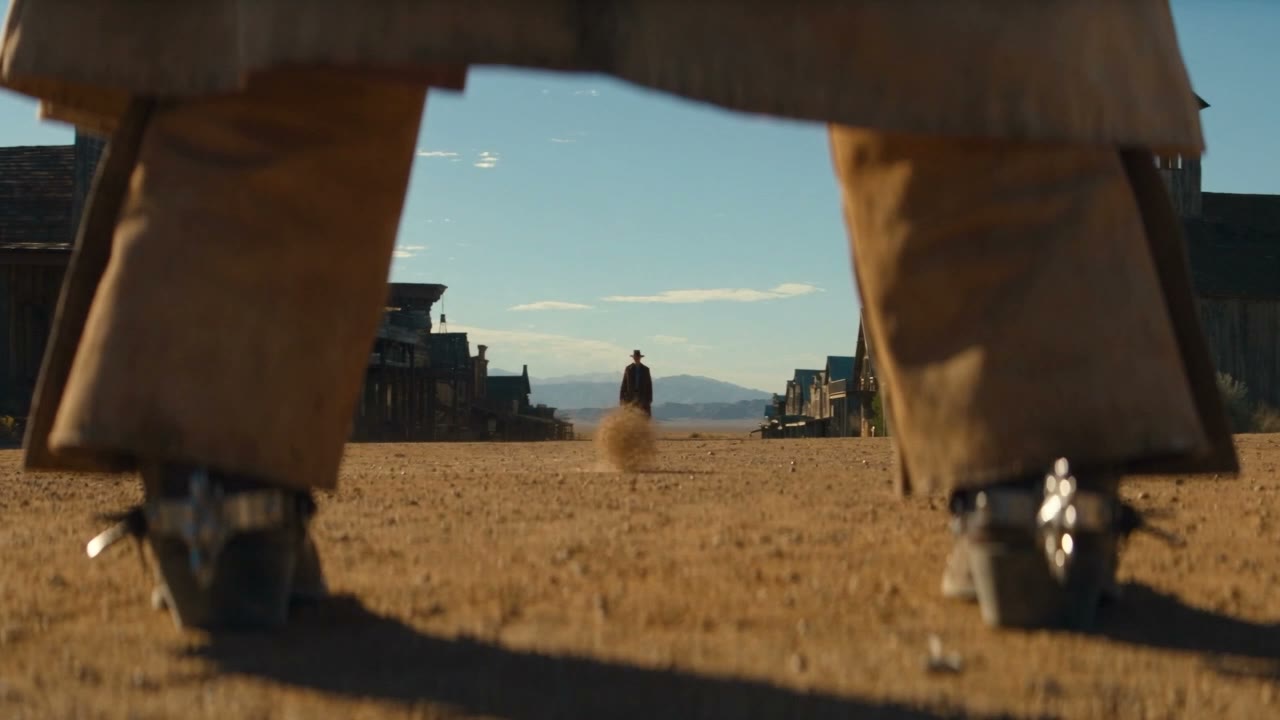
Sketch an establishing shot, test a camera move, or build a visual treatment before a larger production.
fal Research × Black Forest Labs
Turn a prompt or a still image into video with synchronized sound. FLUX 3 Max builds on FLUX 3 with faster generation and refined visual quality, so you can explore more ideas in less time.
Generates in the creation workspace
Ordinary portraits allowed · No celebrity likenesses. Safety policy
A faster path from your first idea to a shot worth keeping.
fal reports about 12 seconds of model time for a 10-second 720p clip in its benchmark. Actual turnaround varies with settings and queue load.
Post-training focuses on prompt following and visual quality. Describe the subject, camera movement and atmosphere to shape the shot.
Generate audio alongside the scene, or switch it off when you plan to add your own soundtrack.
Animate a starting image and optionally supply a final frame to guide where the scene ends.
From a clear brief to a finished clip in four steps.
Explore these ways to put short AI video to work.
Sketch an establishing shot, test a camera move, or build a visual treatment before a larger production.
Turn a campaign direction into motion studies and compare alternative moods, compositions and scenes.
Give an illustration or concept image a sense of movement, then adapt the framing for your project.
Try a quiet close-up, a sweeping landscape or a completely imagined world. Start with a short scene and refine it into your own visual language.
The controls that matter when turning a creative brief into moving images.
Create an original scene from a written description of action, lighting, camera movement and sound.
Use an image as the first frame and optionally guide the final frame with a second image.
Select duration in one-second increments to suit a quick beat or a longer continuous action.
Use 720p by default or choose the 1080p upscaled output option. Frame for widescreen, vertical or square delivery.
Describe speech, effects or ambience with the scene. Audio generation can be turned on or off.
fal Research developed this post-trained video variant in collaboration with Black Forest Labs.
Choose the workflow that fits the material you already have.
Official information, documentation and more creative tools.
Features checked against fal documentation on October 20, 2026. Demo media is from fal. This site is independent of fal and Black Forest Labs.