
 Sign In
Detailed Image Creation
Nano Banana Pro interprets complex visual briefs. Describe your subject, lighting, materials, and composition to develop a considered starting point.

Create with Nano Banana Pro: turn prompts and up to 8 reference images into detailed visuals. Explore text rendering, product scenes, and image edits at 1K, 2K, or 4K.
Start Creating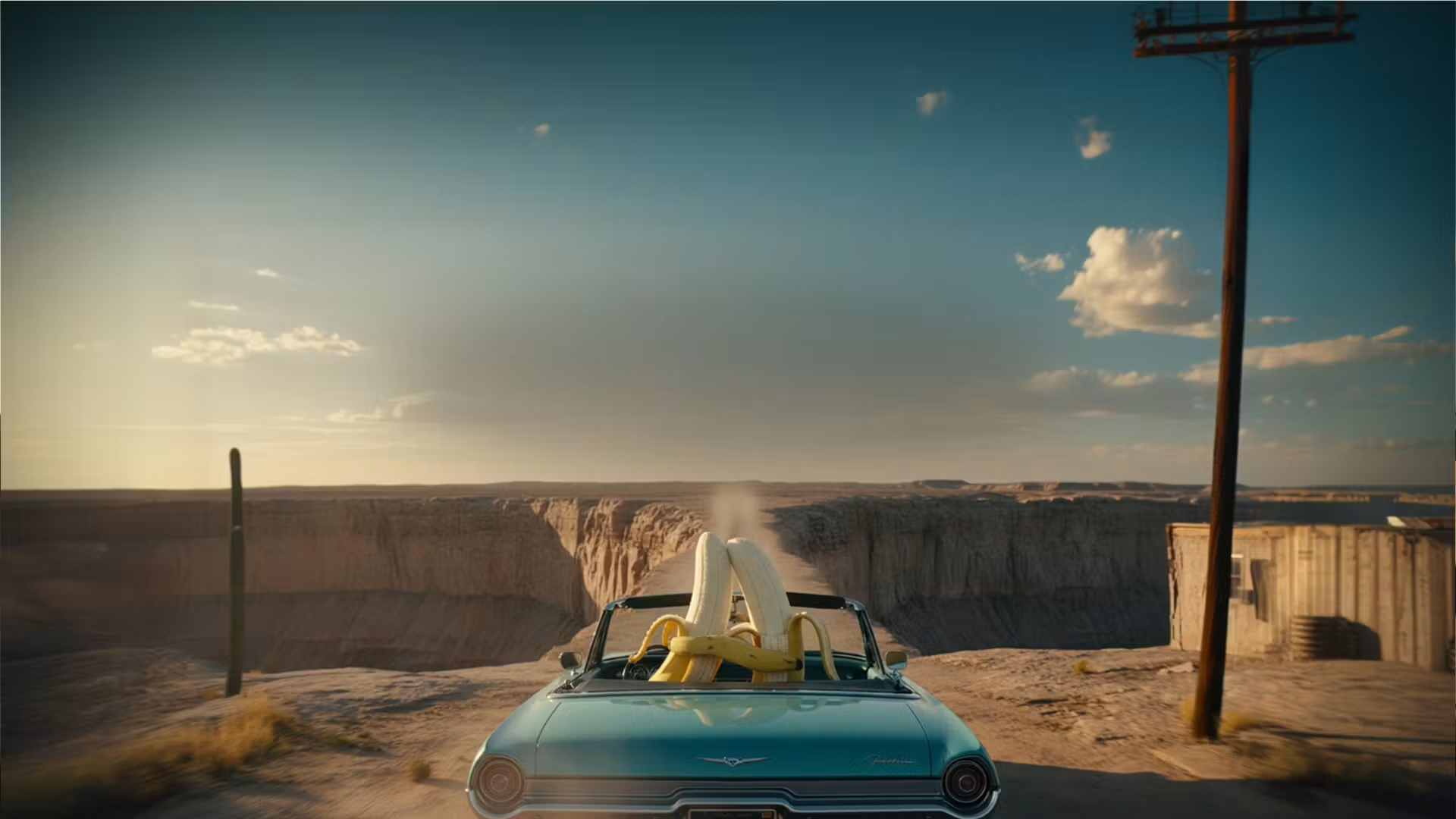
Nano Banana Pro interprets complex visual briefs. Describe your subject, lighting, materials, and composition to develop a considered starting point.
Build posters and labels with Nano Banana Pro. Put exact wording in quotes, specify placement, and check spelling in the result.
Guide Nano Banana Pro with up to 8 references. Name what to preserve and what to change, from clothing to the surrounding scene.
Choose 1K, 2K, or 4K in Nano Banana Pro. Match the output to your project, then inspect fine details before publishing.
Use Nano Banana Pro to explore illustration, photography, or product concepts. Refine the brief as you compare different visual directions.
Move from a brief to a preview in the shared Nano Banana Pro workspace.
Try Nano Banana ProNano Banana Pro brings visual exploration and guided editing into one workspace.
Try Nano Banana ProExplore poster layouts with Nano Banana Pro. Try a concise headline, a focal subject, and a clear visual hierarchy.
Place a product in a new setting with Nano Banana Pro. Supply references and check that important product details remain accurate.
Develop campaign concepts with Nano Banana Pro. Compare compositions and adapt the chosen idea for portrait or landscape placements.
Use Nano Banana Pro for editorial illustrations and social visuals. Keep reference images handy when you revisit a character or style.
Shape your next visual with a specific brief and a clear review process.
Try Nano Banana ProAsk Nano Banana Pro for a tabletop arrangement, studio setting, or lifestyle concept. Describe light direction and camera framing.
Give Nano Banana Pro your exact headline and supporting text. Review small lettering at full size before using the artwork.
Reference a subject in Nano Banana Pro while changing the setting. Compare identity, clothing, and proportions between iterations.
Describe a targeted change to Nano Banana Pro. Specify which background, color, or object should change and which details should remain.
Create square, portrait, landscape, or 21:9 images with Nano Banana Pro. Download PNG or JPG from the results panel.
Bring a brief or your reference images to Nano Banana Pro. Preview, refine, and download your next visual in one workspace.
Your Nano Banana Pro workspace